
How to climb App Store rankings with ASO
A practical ASO checklist: keywords, metadata, screenshot text, and the engagement signals that move rankings.
Apple doesn’t publish its full ranking algorithm, but the work is pretty straightforward. Make your app relevant to the searches you want, then improve the user signals that influence its position.
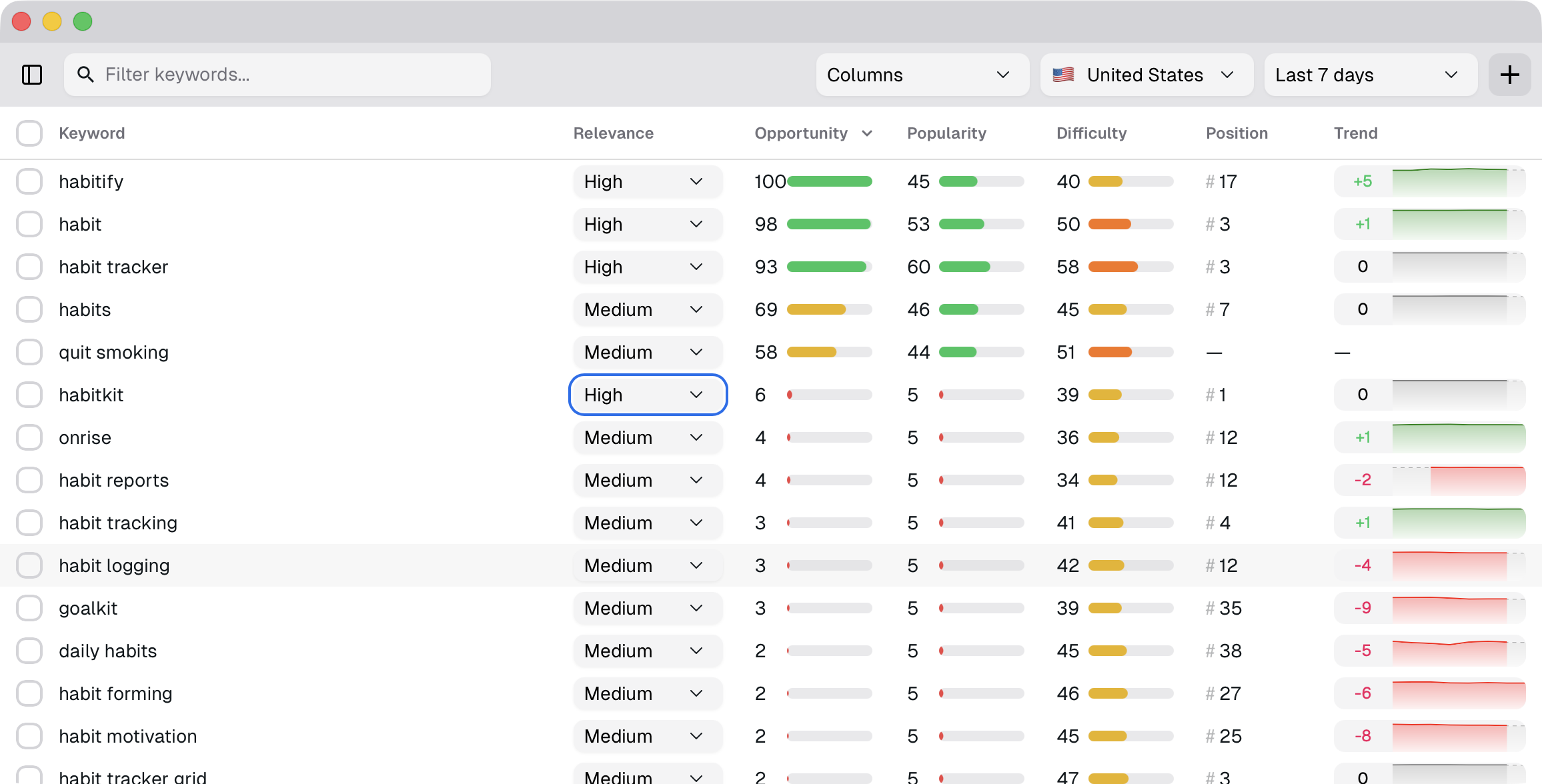
1. Find keywords to target
Start with keywords that are tightly tied to what your app actually solves. If someone searches the term and sees your app, they should expect the right solution.
- Use ASO Suite to find popular terms and related variants.
- Pick a small set you can realistically target: one primary keyword, one secondary keyword, and a handful of supporting terms.
- Look for keywords with high popularity scores and low difficulty scores.
- ASO Suite’s Opportunity Score combines those metrics to show which terms are worth the effort.
- Browse related terms until you start to see useful patterns. The right target is not always obvious at first.
2. Put your primary keyword in the title
The title is your highest-intent field. Put your primary keyword here where it reads naturally.
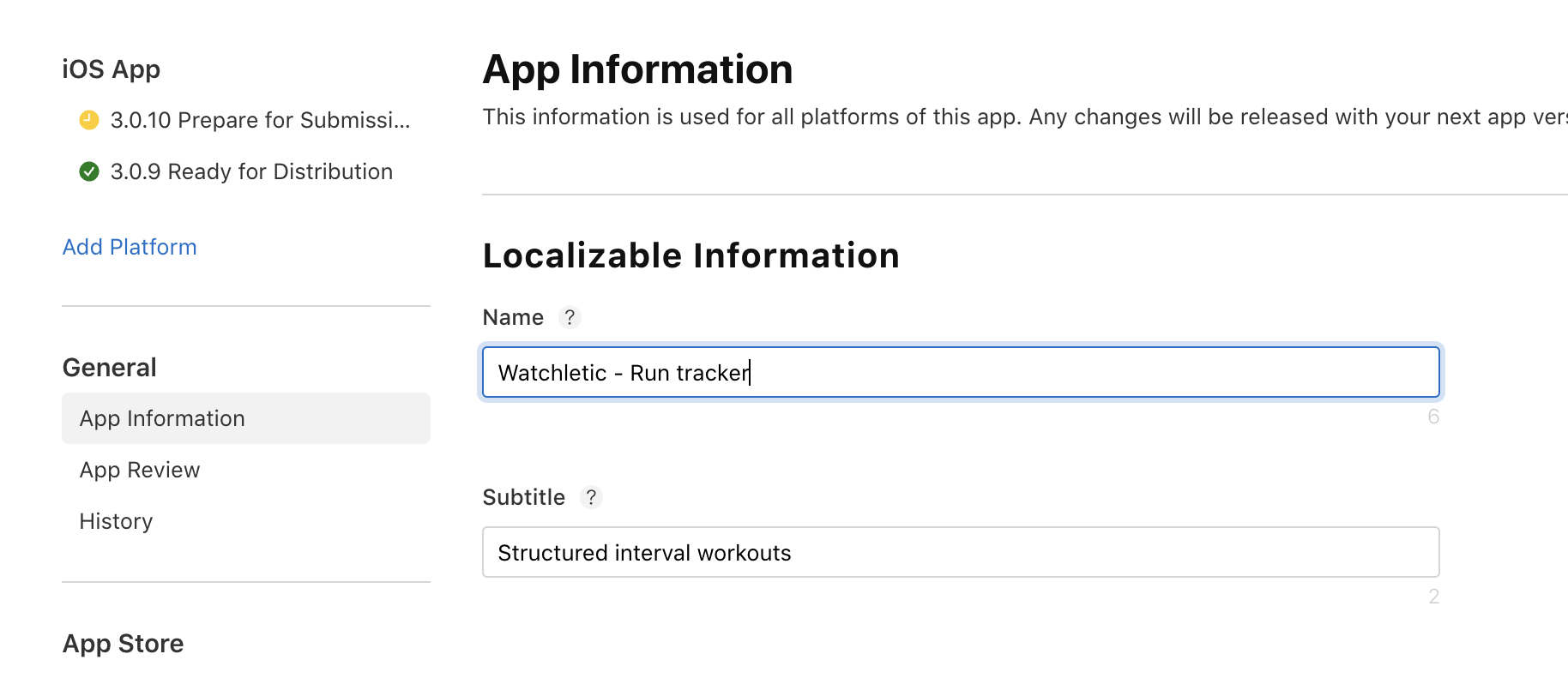
Add keywords where they belong: title, subtitle, and keyword field.
3. Put your secondary keyword in the subtitle
Use the subtitle for your next most important keyword. Avoid duplicates across the title, subtitle, and keyword field. If you repeat a title keyword in the subtitle, Apple may assign it the subtitle’s lower weight.
4. Use the keywords field for the rest
Add the remaining supporting keywords in the App Store Connect keyword field. Keep it tight and avoid duplicates across your metadata.
Your description helps people decide whether to download the app, but Apple does not use it for keyword indexing.
5. Add keywords to screenshots (OCR)
Apple appears to read screenshot text with OCR. Add relevant keywords when they also make sense to the person viewing the screenshot. Unlike metadata fields, repeating a key phrase here does not appear to waste space and may help reinforce what your app does.
6. Improve the signals that actually move rankings
Once you’re indexed, rankings tend to follow what users do:
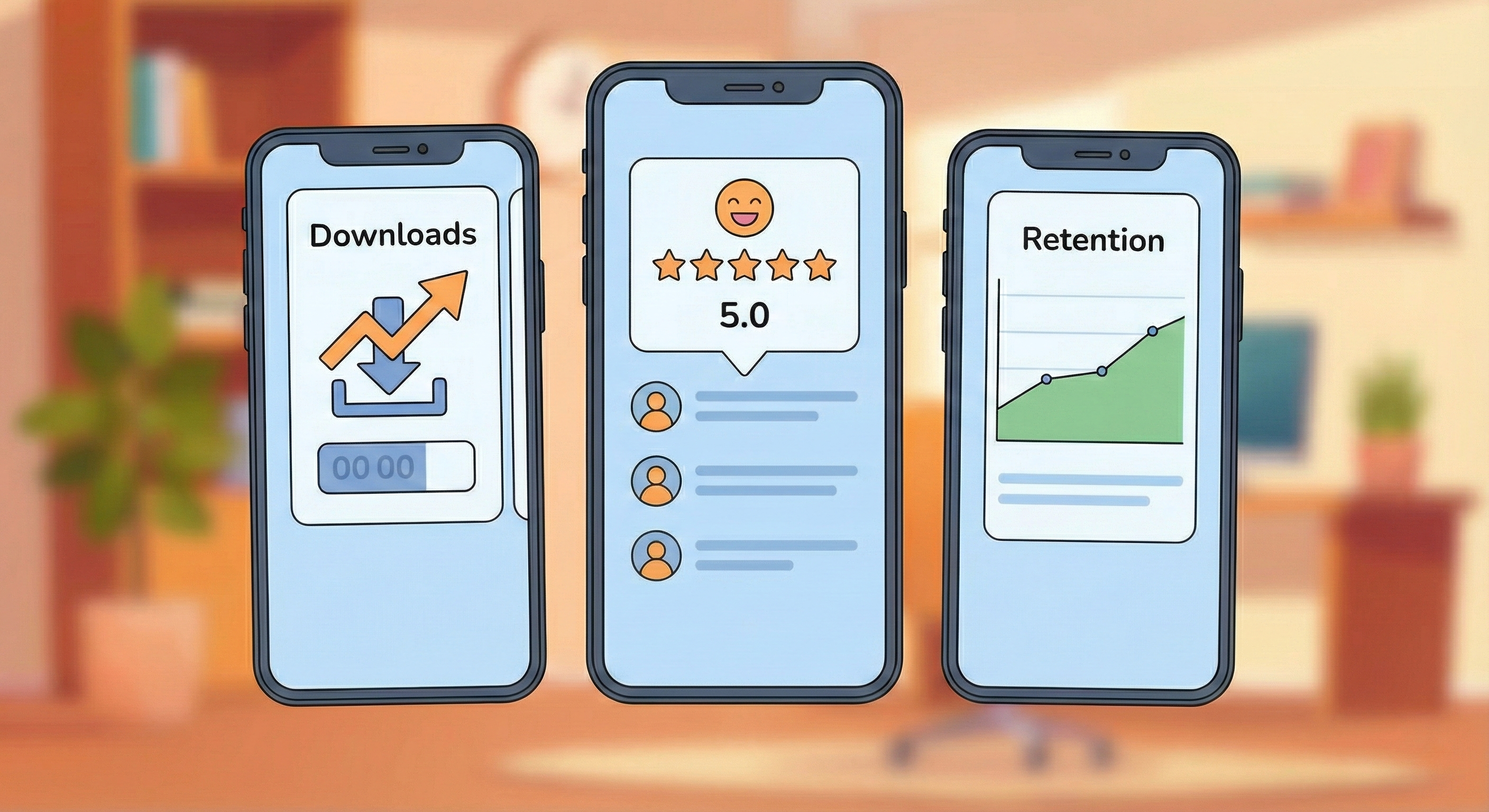
- Steady downloads rather than a one-off spike
- Retention and repeat use
- The number and recency of ratings
Ratings are a clear interaction signal. Negative ratings still show engagement, but they can hurt conversion. Ask for a rating after a moment when the user has received value from the app.
7. Track rankings over time
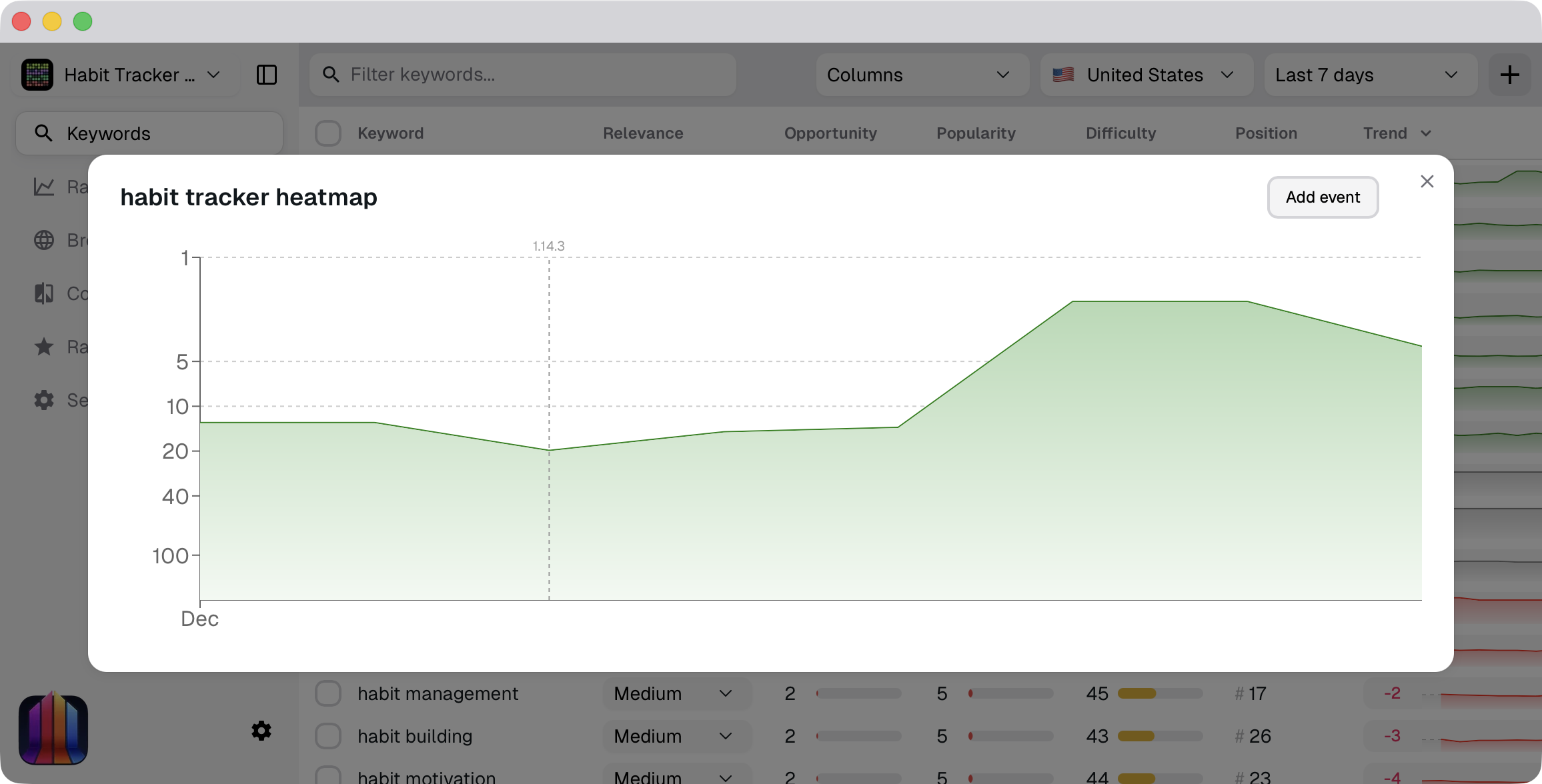
Your app may start appearing for a keyword quickly, but moving up can take weeks or months. Track its position over time in ASO Suite to see whether your metadata and marketing changes improve the ranking.
Track your first 20 keywords for free
Sign in to follow rankings, find related keywords, and compare your app with competitors.
Free up to 20 keywords.