
How to Install ASO Suite as a PWA on Mac
Add ASO Suite to your Mac Dock and open it in its own window with Safari.
Safari can add ASO Suite to your Mac Dock and open it in a standalone window. It takes four steps.
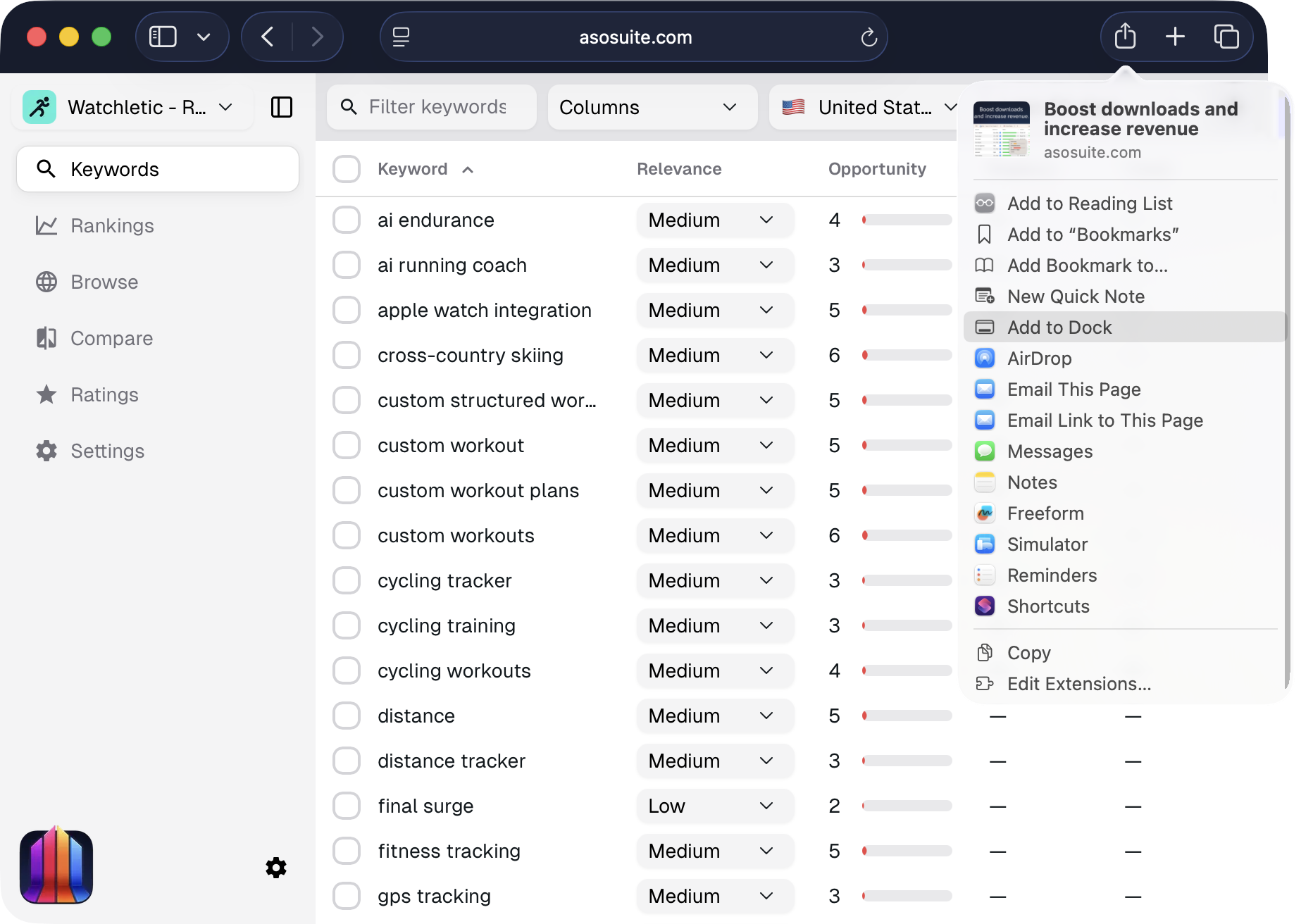
1. Open ASO Suite and choose Add to Dock
Open asosuite.com in Safari, open the Share menu, and select Add to Dock.
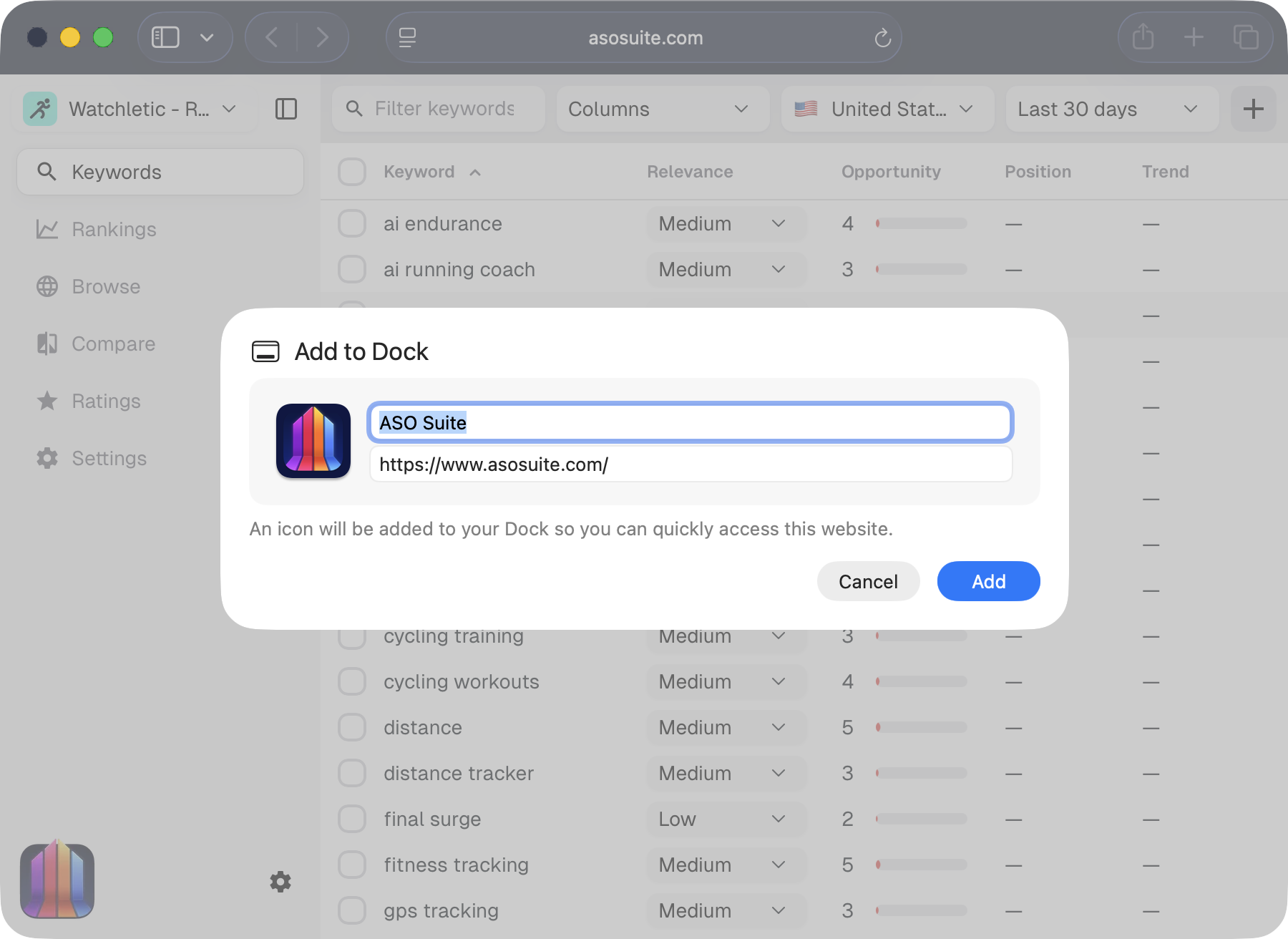
2. Confirm the name and URL
Check the app name and URL in the dialog, then click Add.
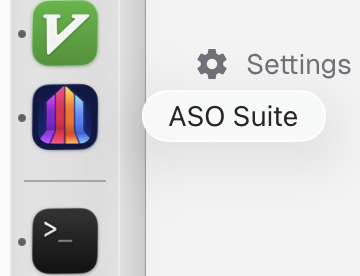
3. ASO Suite appears in your Dock
The ASO Suite icon now appears in your Dock.
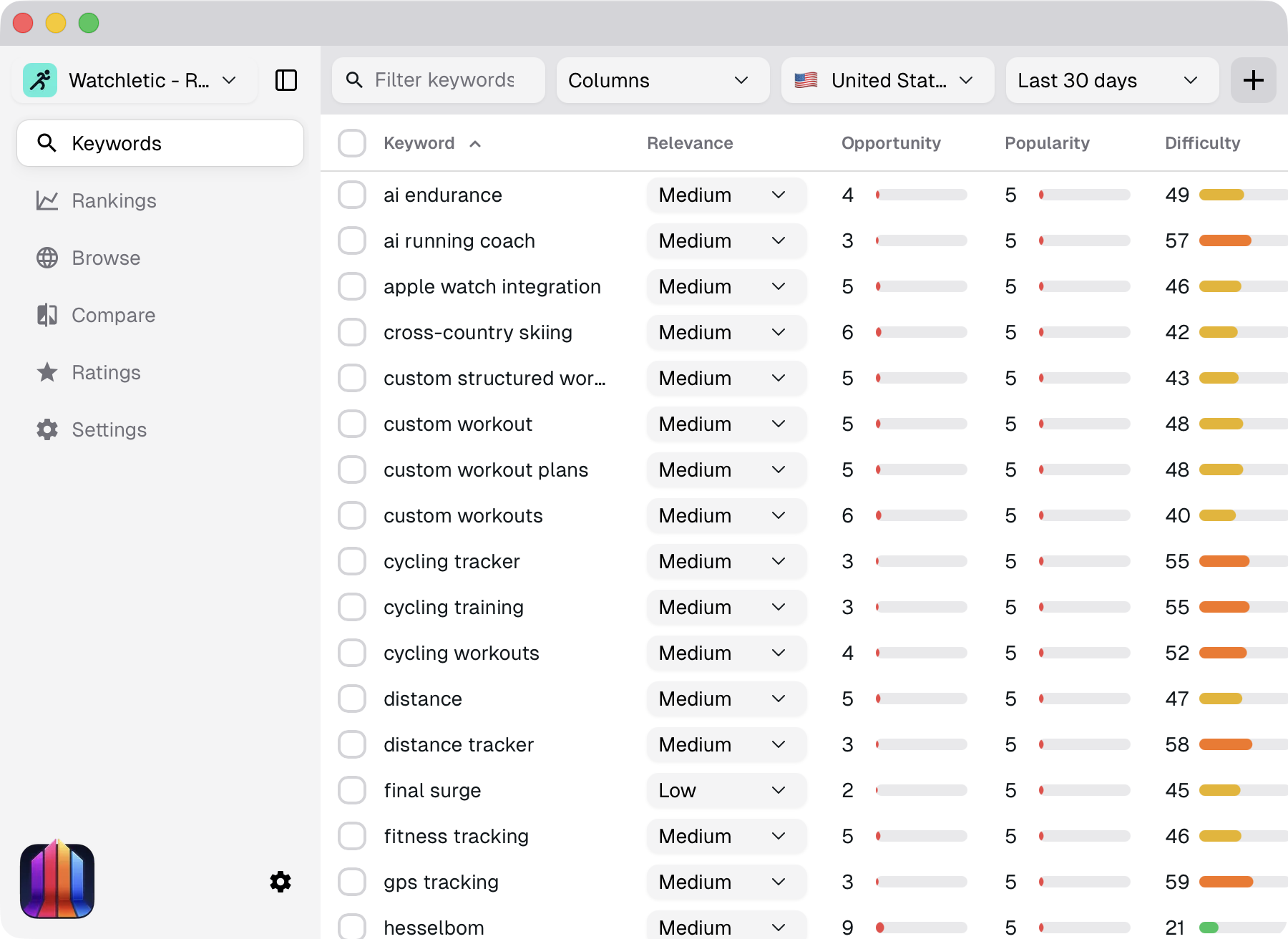
4. Use ASO Suite like a regular desktop app
ASO Suite now opens in its own window without Safari’s tabs or address bar.
Track your first 20 keywords for free
Sign in to follow rankings, find related keywords, and compare your app with competitors.
Free up to 20 keywords.